The Ultimate
After Effects Notebook.
Keep your project notes, to-do lists, and client feedback right where you work. Never lose a sticky note or switch to Trello again.
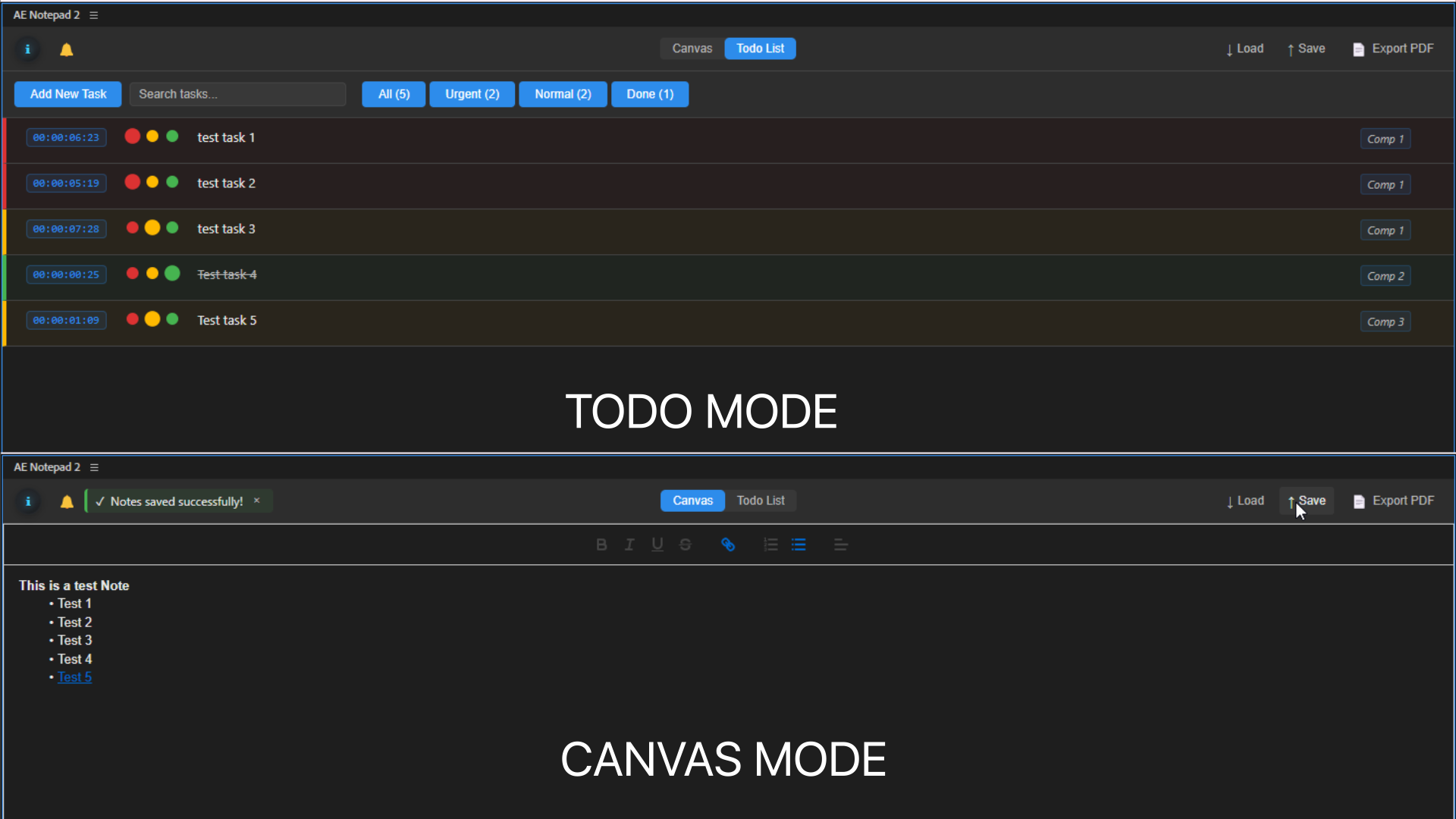
Chaos, Managed.
Motion projects are messy. You have client feedback in emails, to-do lists in Notion, and random sticky notes on your monitor. AE Notepad brings it all into a single, project-aware panel.
- Fix render glitch at 00:12
- Update logo animation per client email
- Export final ProRes 4444
- Note: Client wants the blue to be #0055FF exactly.
Designed for Production.
Simple enough for freelancers, powerful enough for studios.
Project Linked
Notes are saved inside your .aep file (or sidecar JSON). Open an old project, and your notes are exactly where you left them.
Timecode Triggers
Click a timestamp in your notes (e.g., "00:04:12") to instantly jump the playhead to that frame. Perfect for feedback reviews.
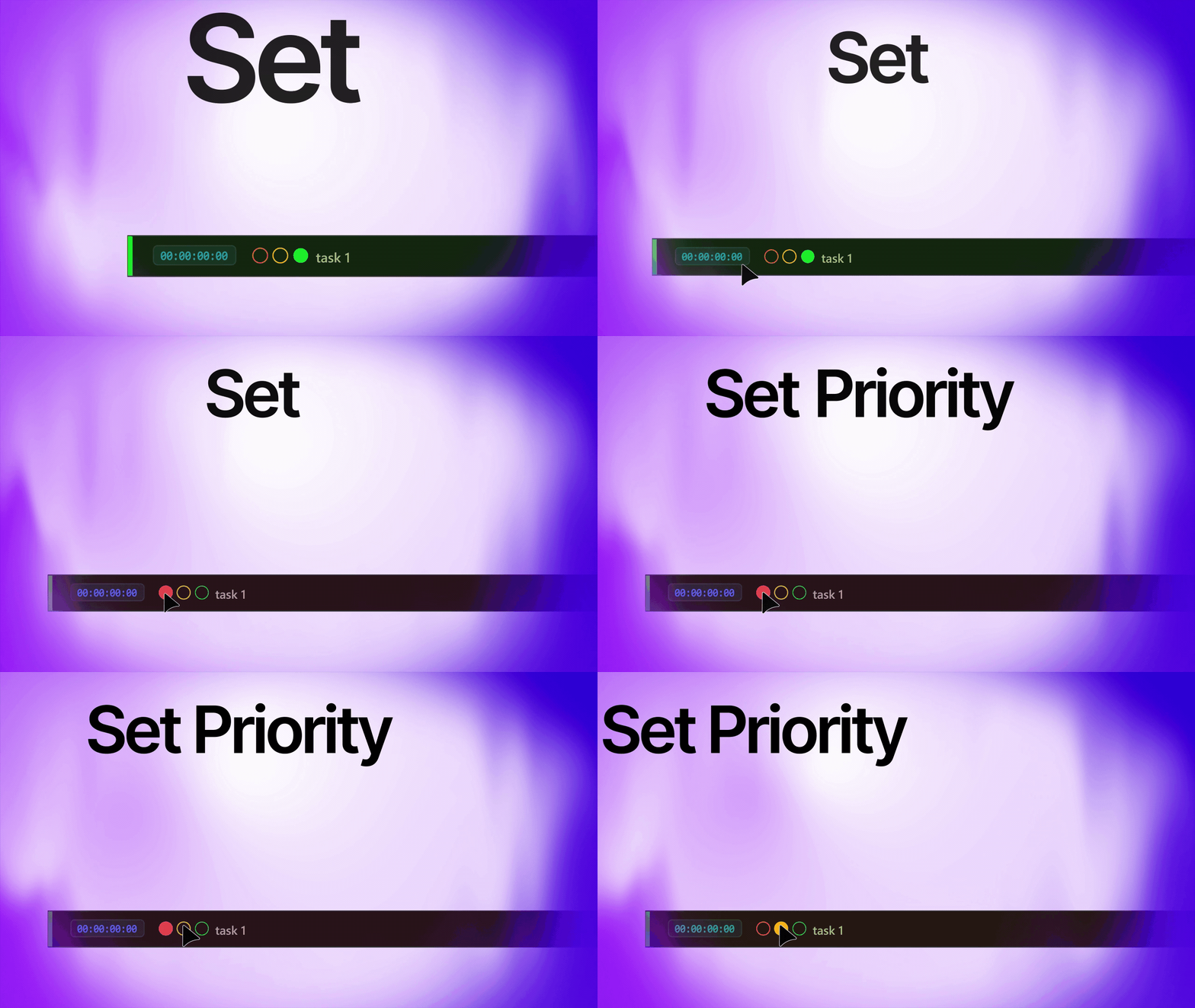
Task & Canvas Modes
Switch between a structured checklist for tasks and a freeform canvas for brainstorming, sketching, or pasting reference images.
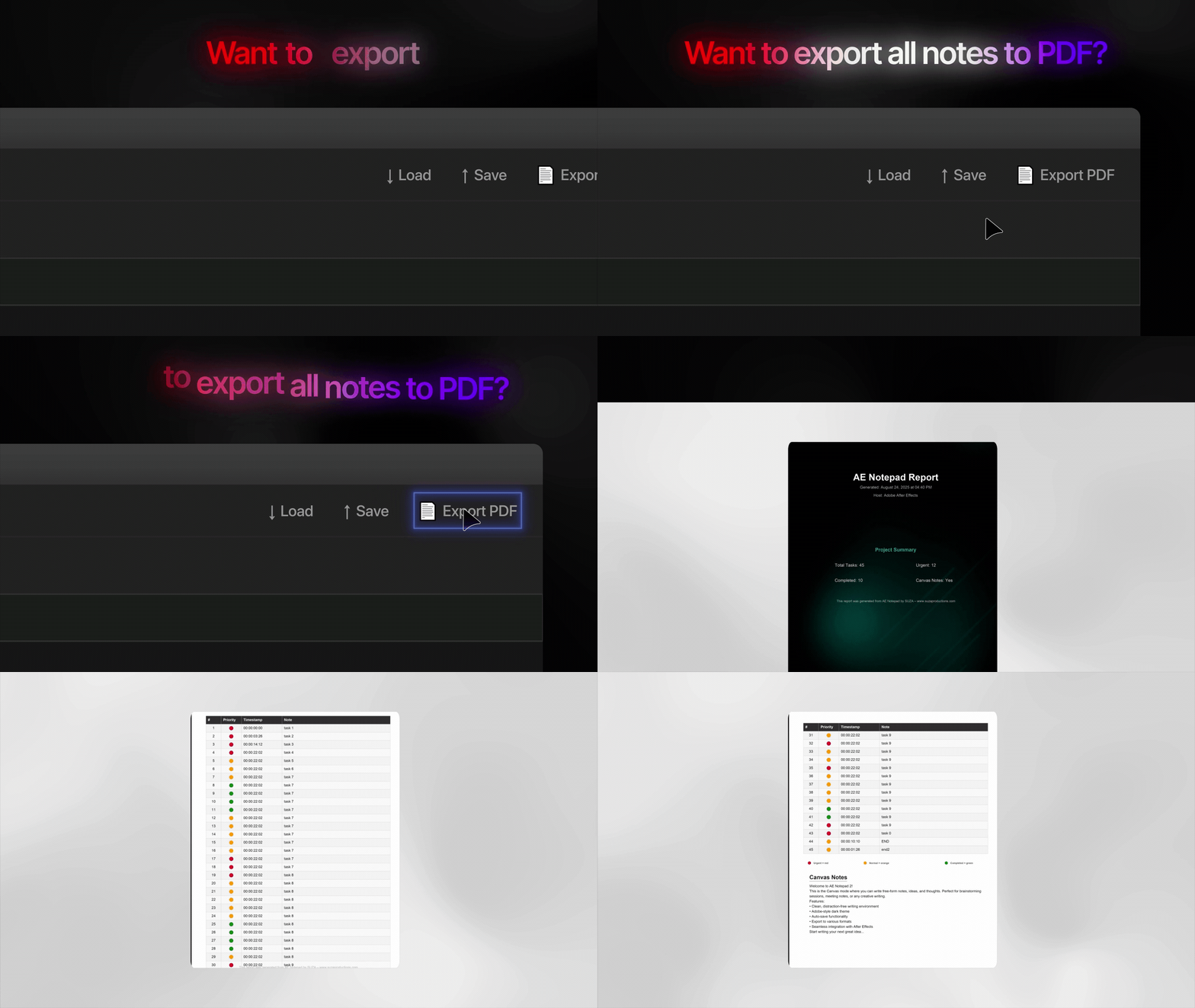
PDF Export
Turn your notes into a professional PDF report with one click. Great for sending change logs or questions to clients.
Fully Customizable
Dark mode, light mode, custom fonts, and color coding. Make AE Notepad look and feel like a native part of your workspace.
Cloud Sync
Sync your notes across machines using Dropbox, Google Drive, or our optional cloud service. (Pro version only).
See it in Action
What Users Say
"My project files used to be a mess of hidden text layers serving as notes. AE Notepad cleaned up my entire workflow."
"The timestamp feature is a lifesaver when addressing client feedback. I just paste their email into the panel and click through."
"Simple, effective, and reliable. It does one thing and does it perfectly. Highly recommended."
Workflow Integration
Seamless Collaboration
Working with a team? AE Notepad saves your notes directly into the .aep file. When your colleague opens the project, they see exactly what you wrote. No more "check the email" or "where is the doc?" moments.
Visual Feedback
Sometimes words aren't enough. Switch to Canvas Mode and paste screenshots, draw arrows, or sketch ideas directly in the panel. It's like having a whiteboard inside After Effects.